
Made by people who work in Revit.
NimDeck started with a Revit user who came from Rhino and Blender, and missed how those programs feel: every command one gesture away. NimDeck is the attempt to give Revit that feel, without asking it to be something else.
Where it started
In Rhino and Blender you model with your hands. A key, a flick of the mouse, and the command is there, right where you are looking.
In Revit the same work means trips to the Ribbon, the Properties palette and the Project Browser. The model is rich, but much of it is out of sight: which types are used, which parameters differ, where a family sits.
NimDeck closes that distance in two ways.
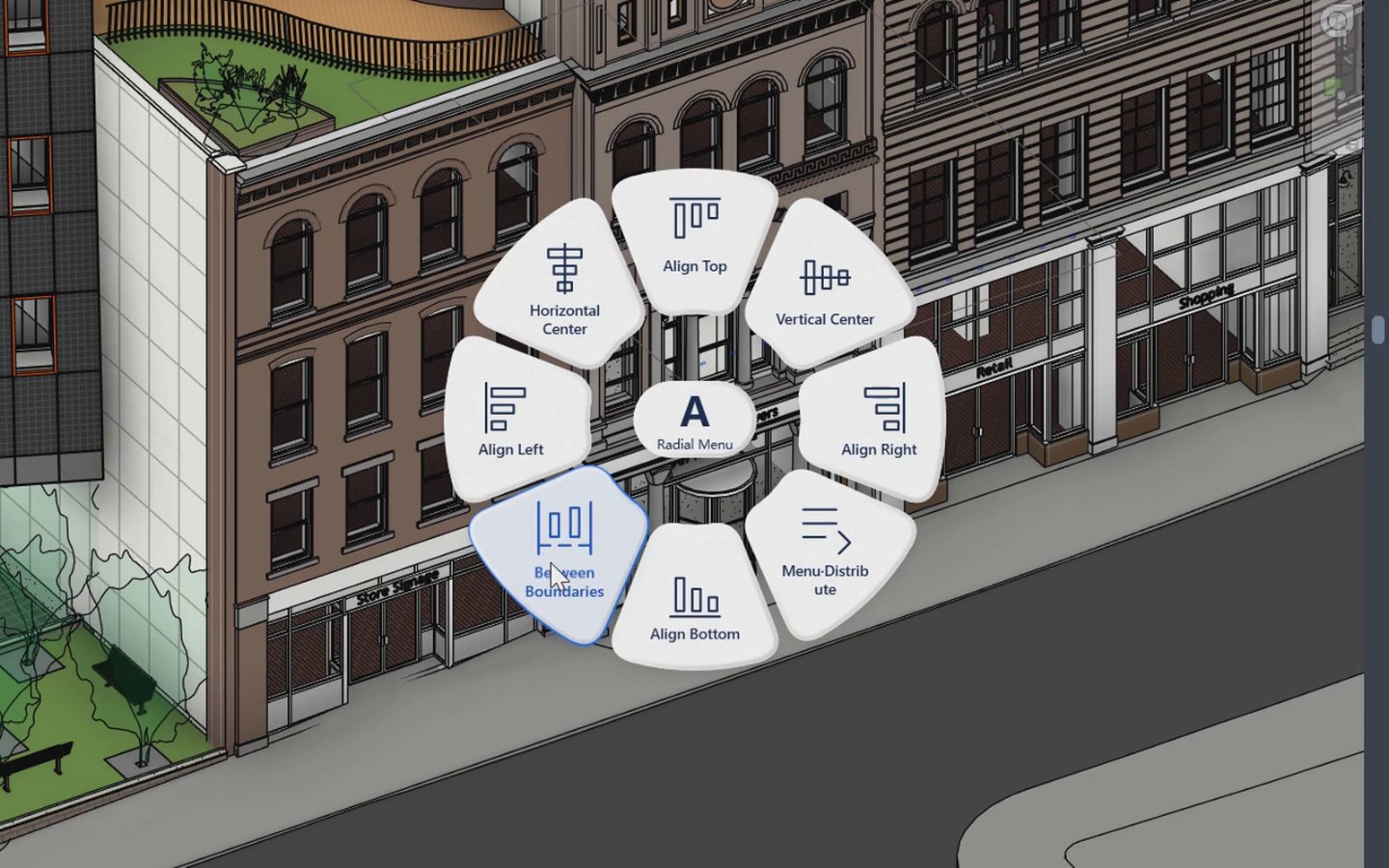 right where you are looking
Two ideas
Commands at the cursor
Hold a key, move the mouse, let go. The command runs where you are working, not where the Ribbon is.

A model you can see and keep clean
See what is in the model before you change it, and change it in one place.


Rules every tool follows
- 01
Revit stays fast
No tool may make Revit slower, above all in large projects. The Radial Menu has a budget of 50 ms to open, and does no work while it is closed.
- 02
One Undo
A command is one step in Revit's Undo. If it fails, it is rolled back as a whole and a dialog says why. Nothing is left half done.
- 03
Quiet when it works
A command that succeeds does not show a dialog. You see the result in the model.
- 04
Your settings stay on your machine
Settings, including the ones kept per project, are stored on your computer. They are not written into the model, the central file or the cloud.
- 05
Temporary means temporary
Helpers such as the colour filters of the Radial Menu exist only while you use them, and are removed before you save or synchronise.
How it is built
Every tool uses Revit's own API. Behaviour that the API documentation does not settle is tried in Revit before it is relied on.
Each build runs automatic checks of the tools' logic and windows before a package is made.
Supported versions are listed on the Download page.
Contact
Found a bug, or missing a tool? Say what you were doing in Revit and what you expected to happen. A screenshot helps.
- Emailsupport@nimdeck.com
- Bugs and feature requestsUse the form, or email with the tool name in the subject.
- Licences for a teamSee Pricing, or write to ask.