
Download NimDeck
One installer per Revit version. Pick yours, then follow the four steps below.
ZIPWindows, 64-bit File size to comeSHA-256 checksum to come
Get notified · Includes a 14-day trial. It starts only when you choose to start it.
What you need
- Revit
- 202520262027Installed in its standard folder. One licence covers every Revit version on the computer.
- Windows
- Windows, 64-bit (x64)
- Internet
- Needed once, for the first licence activation. After that NimDeck works offline for up to 30 days between checks.
- Computers per licence
- Two
Install in four steps
The same installer updates an existing copy. Your settings, shortcuts and licence stay as they are.
Close Revit
Close every Revit window. The installer will not start while Revit is open.
Unzip and run the installer
Extract the whole ZIP to a folder, then double-click
Install.cmd. A window shows what it did; press any key to close it.NimDeck General / release / Revit 2025 Installed. Restart Revit 2025. Your NimDeck settings, symbols, dictionaries and project data were preserved.Open Revit
Start Revit as usual. NimDeck loads with it; there is nothing else to switch on.
Find the NimDeck tab
NimDeck has its own tab on the Ribbon. Every tool is there.
Screenshot to come: the NimDeck tab in the Revit Ribbon
Licence
In Revit, open NimDeck › Settings › License, then click Start 14-Day Trial, or paste your key and click Activate. Get a licence
Update or roll back
Update
Close Revit and run Install.cmd from the new download. Running the same version twice changes nothing.
Roll back or remove
Close Revit and run Rollback.cmd from the same folder. It brings back the version you had before, or removes NimDeck if it was the first install. Your settings are kept.
Full uninstall steps to come
What's new
The latest changes. Every release is listed in the changelog.
Release name and date to come
- LibraryA personal and team library of families, types and view templates, with previews, search, and drag straight into a view.
- One look everywhereRounded windows in light or dark, help behind the (i) icons, and a short notice with Undo instead of a dialog after each action.
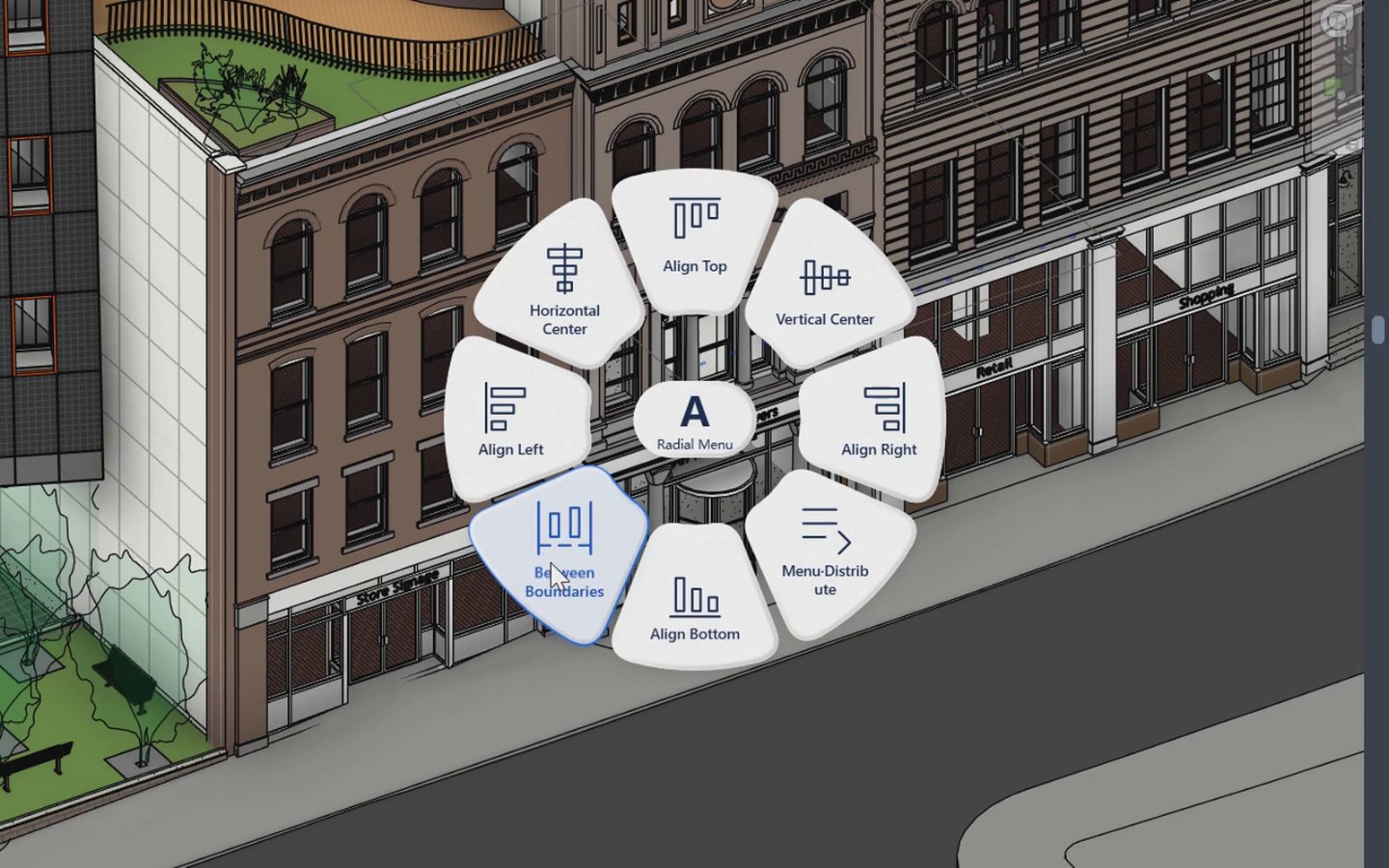
- Radial MenuA Selection menu with live on/off toggles, Pick by Category that remembers its cards per project, and Place Camera.
- New toolsLegend (filter and symbol legends), View Template Compare and Profile Inspector.
- SettingsThe Settings window now fits a 1366×768 laptop screen.