
Changelog
What changed in each NimDeck release, newest first. Install the newest release over the old one; your settings and shortcuts stay.
-
Release R31
LatestOne look across every tool, a Selection menu on the Radial Menu, and new tools for content, legends and view templates.
- One look everywhere. Rounded borderless windows, light and dark themes, and an Appearance page with colour presets. Help text sits behind (i) icons, and success dialogs became short notices with Undo.
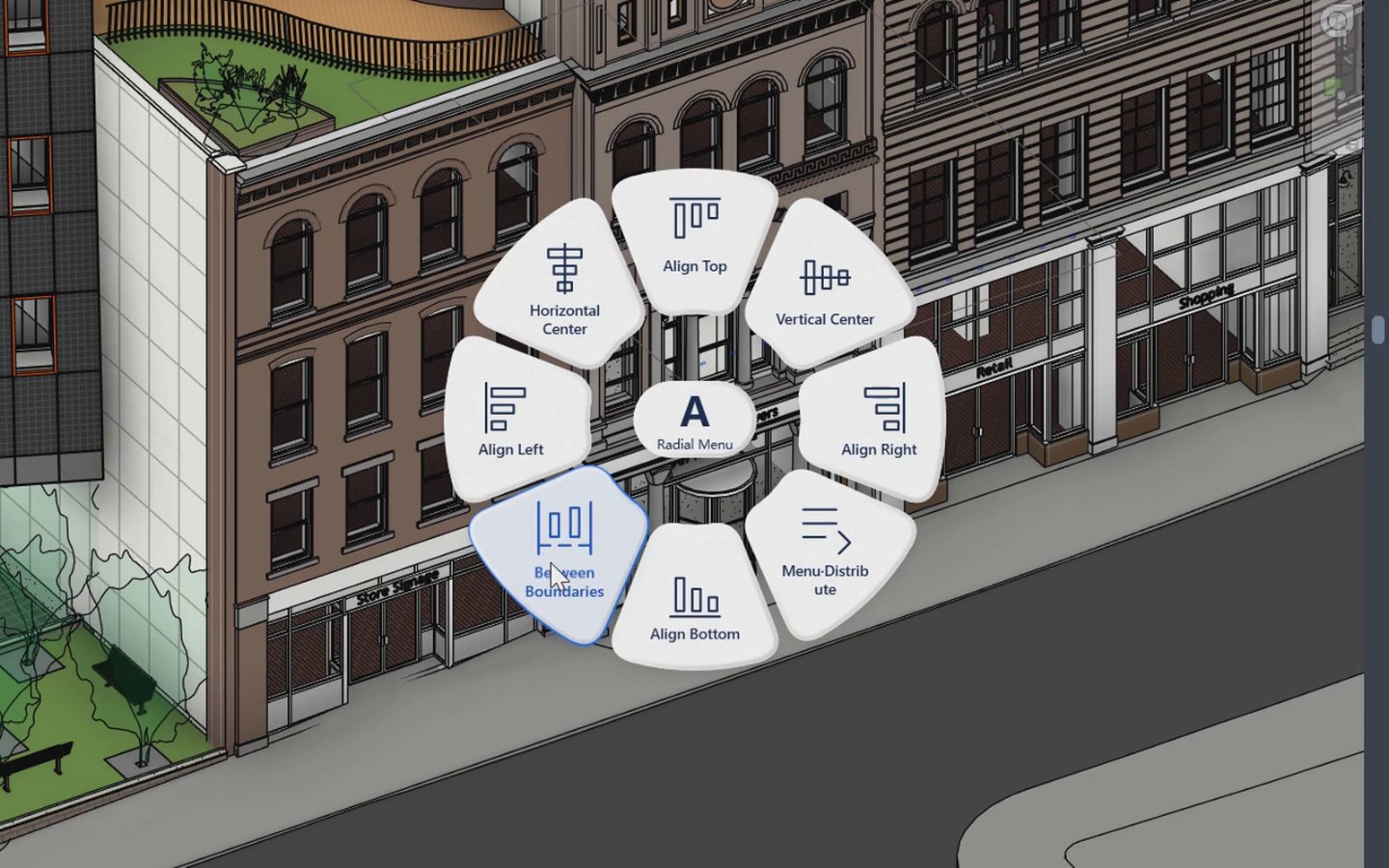
- Radial Menu. A Selection menu on S whose switches show whether they are on, Pick by Category that remembers its cards per project, Place Camera, better Command Search ranking and a frosted look.
- New tools. Library for families and types with previews, search and drag into views; Filter Legend and Symbol Legend; View Template Compare; Profile Inspector; Room Views Batch and Level Views; Batch Replace and Make Symbol.
- Better drafting. A detail-line brush in Drafting Palette, segment tools with hover highlight in Dimension Manager, and DWG hatch mapping in CAD to Detail.
- Sheets and spelling. Sheet Manager edits sheet parameters, and Check Spelling is rewritten.
- A tidier Ribbon. The NimDeck tab is regrouped into compact panels, and Settings now fits a 1366 × 768 laptop screen.
-
Release R30
Materials move into the Drafting Palette, and Room Views learns to work in batches.
- Paint page. Material is now the Paint page of the Drafting Palette, with recent cards, bookmarks and surface patterns you can edit on the spot.
- Room Views Batch. Create views for many rooms at once, grouped by any column, with a level selector.
- Path Dimension can dimension all visible lines, and generic annotations in legends.
- Randomise adds distribution around an attractor.
- Smaller additions. Profile Tools intersects filled regions, Sheet Manager takes several parameters at once, Project Search selects and highlights in batches, and Open Tabs works on the current project or all of them.
- G colours. Clear G removes every G colour, also after an Undo.
-
Release R29
Inspector follow-up.
- With more than three categories selected, the Inspector search box finds categories by name.
- Count in the second pane selects the elements with that value, as it does in the first.
- After Apply to All or an edit, the second pane keeps your parameter and condition.
-
Release R28
Inspector follow-up.
- A text search keeps going while you add highlights or change parameters during loading.
- The parameters you select and highlight load before anything else.
-
Release R27
Inspector fixes.
- Text matches such as P52 or “fire” show their values straight away.
- Number comparisons that are switched off no longer filter the list.
- The selected parameter's details refresh even when your search hides its row.
-
Release R26
A new way for Inspector to read large selections, and Align on curtain walls and in 3D.
- Inspector lists parameter names first and reads values for the rows you look at, then for the parameter you pick and every highlight.
- Search ranks parameter names before values, and finds family, type and Type Mark values such as P52.
- Number comparisons moved to the selected parameter's filter on the right.
- Align follows curtain wall direction and works on the working plane of an orthographic 3D view.
- Windows resize and draw their frames correctly.
-
Release R25
Align handles much more of the model.
- Align works with wall-hosted doors and windows, spot dimensions, room tags, curtain mullions and grid lines.
- It also aligns in legends and area plans.
- Host reveals are re-cut after a move, and curtain grids move in an order that avoids collisions.
- When only some elements can move, the rest are still aligned.
-
Release R24
The first release under the NimDeck name.
- NimDeck. The add-in has a new name and its own Ribbon tab; the mouse menu is now the Radial Menu.
- Repeat Last also repeats a command you left midway.
- Room Views (new). Pick a room and get a cropped floor plan and ceiling plan, with view templates remembered per project.
- Link Visibility (new). Show and hide Revit links and CAD from quick cards, beside 3D Snapshot.
- G colours live in Temporary View Properties and are removed before every save or sync; a selected group colours all its members.
- Path Dimension dimensions curtain walls by grid lines or mullion faces.
-
Releases R22 and R23
Inspector and Path Dimension updates. These are the earliest releases kept in this changelog.
- Inspector reliability fixes when working across documents.
- An updated Path Dimension.